

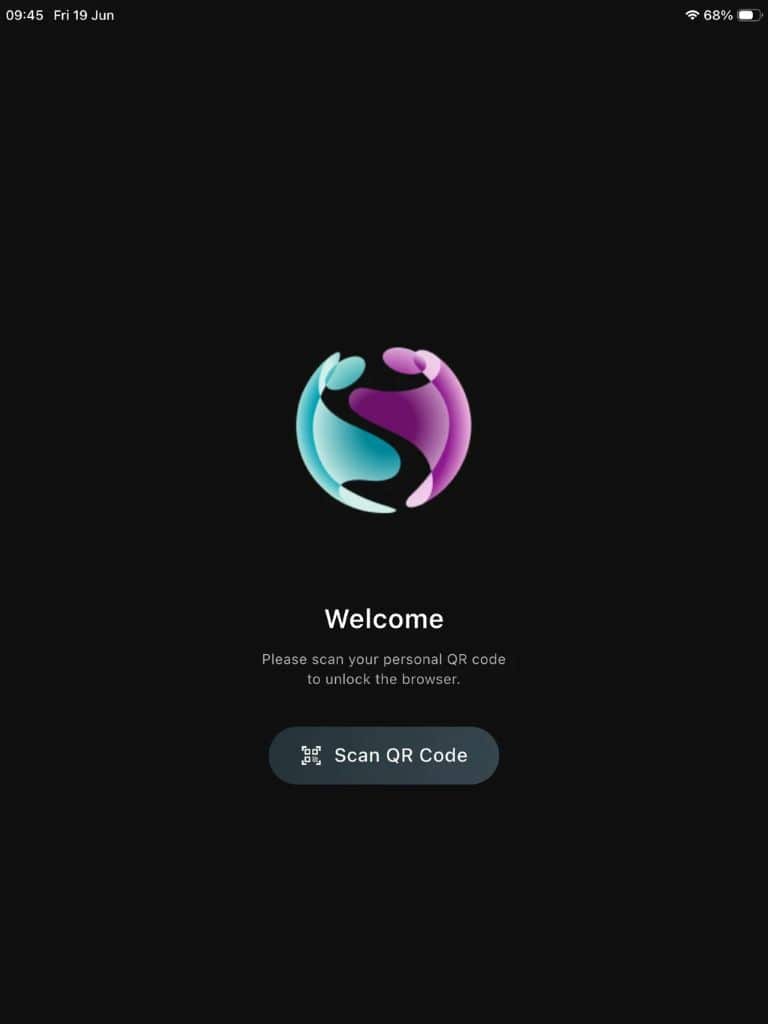
We have released our new QR Code sign in feature for the iPad Safeguard Browser, providing a solution for schools and other education settings where students do not have login details.
Download the PDF to find out more, or check out the Knowledge Base article here.
Users can login to the browser by scanning a QR code to provide a username to captures instead of the using the default method of taking the station name from the MDM.
This method does not require a password and is suitable for primary students that do not have login credentials.
A login session timer can be set to automatically log a user out after the duration expires and a logout button is also provided for manually logging out of the browser session.
Get in touch with the team for more information: enquiries@securus-software.com
Do you have questions about safeguarding in education? Get in touch with our digital safeguarding experts to learn about our digital monitoring solutions for schools.
Advanced student monitoring across ALL devices & applications – supporting DSLs and safeguarding leads in education – we do the monitoring for you!